Accounting & General Ledger
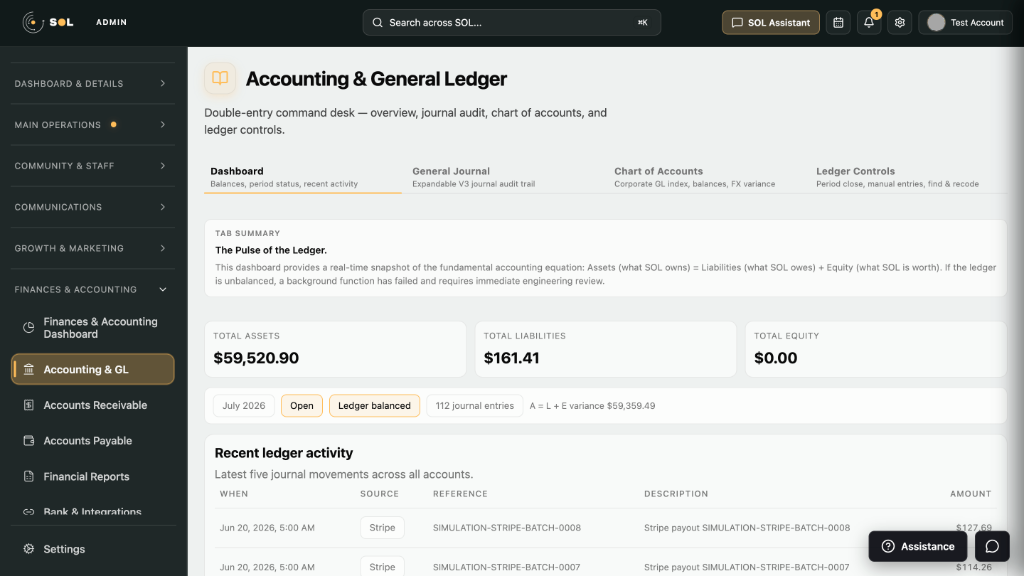
Double-entry command desk—Total Assets, Liabilities, Equity, open period status, and ledger balanced indicators.

Pricing
Compare tiers and start a free trial
pageAbout
Equinox and Weathertop Studios
pageFeatures
Platform capabilities
pageSign in
Account portal or hand-off to SOL / TERRa
pageAccount
Profile and subscriptions
pageSupport
Help & legal
pageTry for free
Start a free trial
pageGet started
Provision Equinox, SOL, or TERRa
Admin Command Deck
Finance, operations, communications, and growth in one console
SOL is the operational heart of Equinox. Navigate Dashboard & Vitals, Main Operations, Community & Staff, Communications, Growth & Marketing, and Finances & Accounting—with Google sign-in, security PIN, and Aurora for operator questions.
Highlights
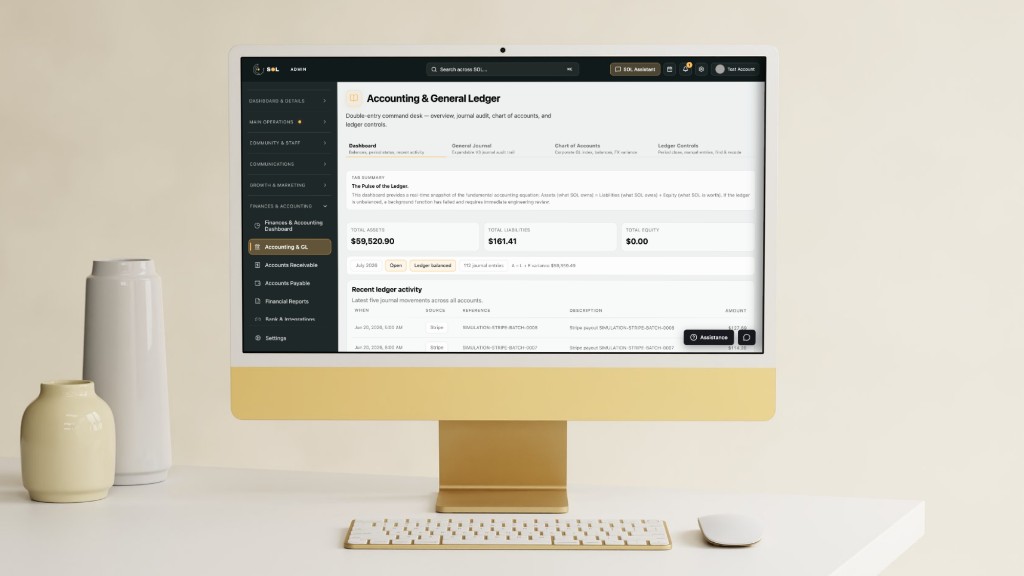
Double-entry command desk—Total Assets, Liabilities, Equity, open period status, and ledger balanced indicators.
Journal audit, chart of accounts, and ledger controls for day-to-day bookkeeping.
Accounts Receivable, Accounts Payable, wholesale invoices, refunds, and payroll clearing hubs.
Bank reconciliation, Plaid-style bridges, and integration checklists for financial rails.
Inbox, messaging library, and outreach workflows for operators who live in the console.
Social dashboards, media database, automations, and affiliate discovery tools.
Leads, staff day assignments, and community modules alongside finance.
Procurement, production queues, inventory views, and order operations when enabled.
Ask for ledger summaries, journal drafts, and operational guidance without leaving SOL.
Walkthrough
01
Hand off from the Equinox Gateway with your workspace slug, then authenticate with a permitted Google account on the tenant host.
02
SOL requires a PIN after Google auth—session-scoped protection for admin routes and the storefront editor.
03
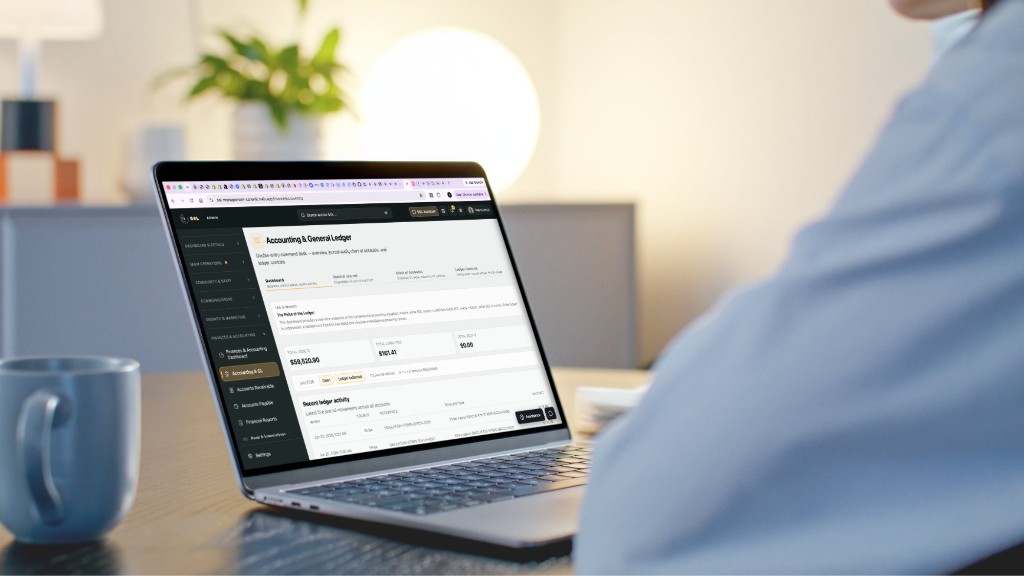
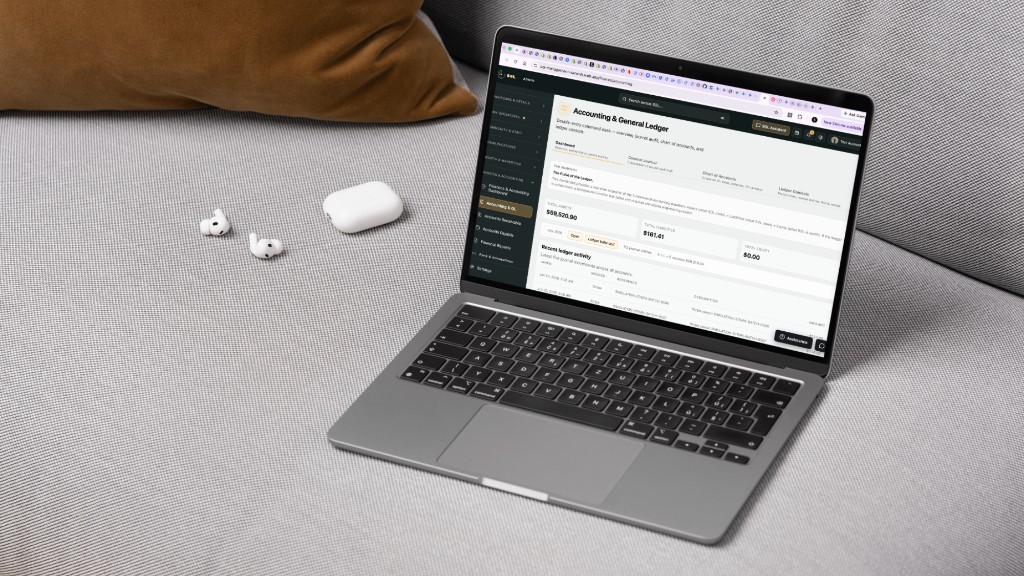
Open Finances & Accounting → Accounting & GL. Review totals, recent ledger activity (Stripe batches, sources, amounts), and period status.
04
Move through Communications, Growth, Community, and Commerce modules as your plan and roles allow.
Use cases
Daily ledger health, journals, reconciliation, and financial reports.
Cross-functional visibility—inbox, growth, and inventory without leaving the shell.
A single command deck instead of a patchwork of finance and ops tools.
Pricing
Admin Command Deck—finance, communications, growth, and operations. Standalone or inside Equinox.
$99/mo
Core SOL for finance and daily ops.
$249/mo
Full Command Deck for growing operators.
Custom
SSO, dedicated support, and SOL customized to your workflows.
No. Your Google identity is permitted on the Equinox organization. PIN is SOL-specific session security.
Accounting & GL, Accounts Receivable, Accounts Payable, Financial Reports, Bank & Integrations, Payroll clearing, and settings.
Yes—Starter includes core SOL. Higher tiers expand modules and Aurora capacity.